
Sold at 6:40. Posted at 7:02, from the kitchen table.
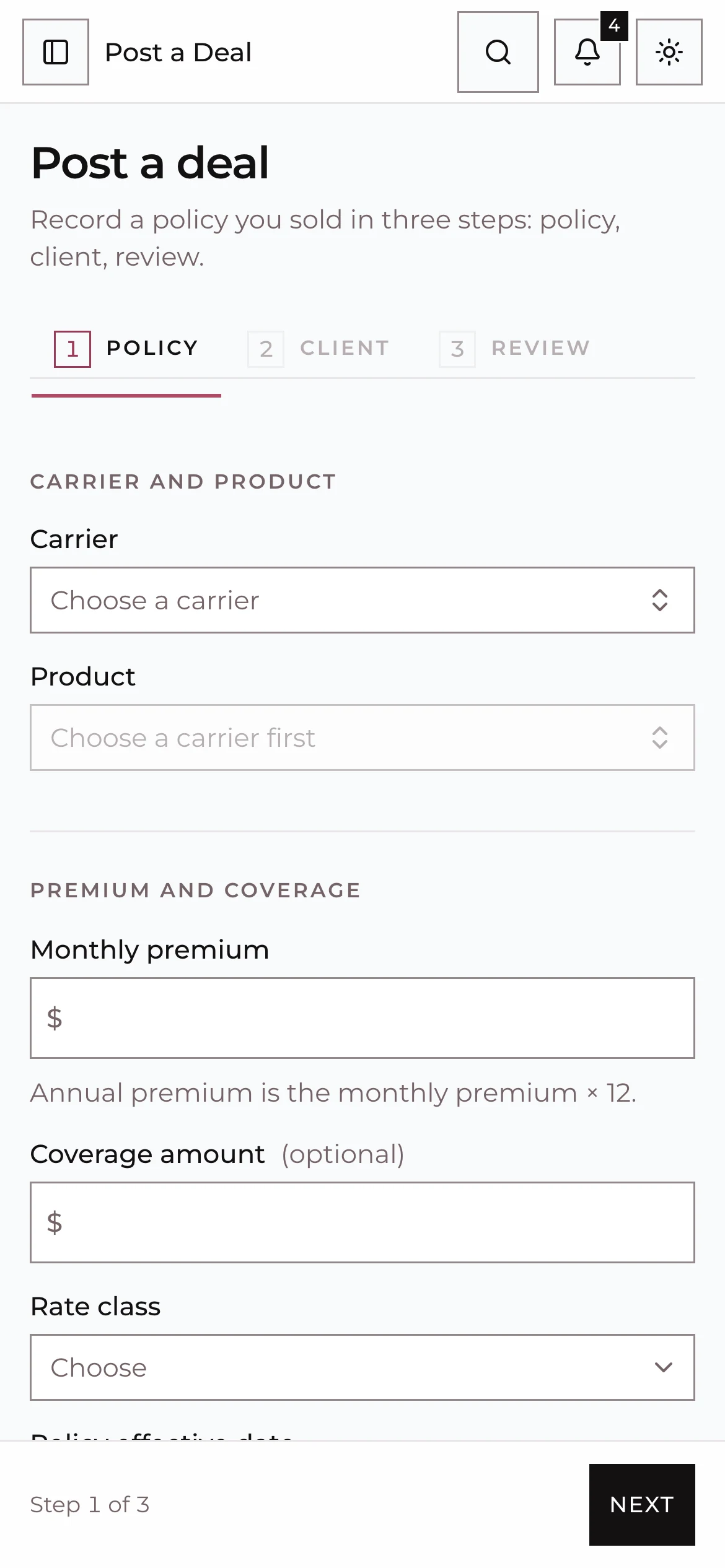
Post a Deal is built for the phone in your hand after the appointment. Three steps, a commission preview before you post, and one plain status from that night until the policy is in force.
- Duplicate check7:01pmNo existing client named Maria Alvarez
- Readiness7:01pmGrid and position configured
- Deal posted7:02pm$1,800 annual premium, Mutual of Omaha
- Your commission7:02pm$1,440 first year, $1,080 advance
Post a Deal on a phone. Checks and amounts are examples.
The deal used to live in a group chat
Screenshots, guesses at the premium, and a spreadsheet someone fills in on Friday. In Vora the agent posts once and the record is the truth for everyone above them.
Before: the team group chat
- KevinJust closed the Alvarez app, sending screenshot
- Which carrier? What's the premium?
- KevinMOO, 150 a month I think
- JordanIs that the same Alvarez I wrote in March?
- Can someone put it in the sheet
With Vora: one record
Maria Alvarez
Mutual of Omaha · Living Promise
- Writing agent
- Kevin Tran
- Posted
- Tue 7:02pm
- Monthly premium
- $150.00
- Annual premium
- $1,800.00
- Duplicate check
- No match
- Agent advance
- $1,080.00
Visible to Kevin, his upline and the owner the minute it posted. Example record.
One plain status, from that night to in force
Carriers each describe a policy their own way. Vora follows the carrier reports and shows everyone the same word.
Tuesday, 7:02pm
Submitted
Posted from the phone. The upline and the owner see it on the dashboard the same minute.
Thursday
In underwriting
The carrier report says APS Ordered. Vora shows In underwriting and keeps the carrier's wording in the history.
Two weeks later
Issued
Approved, awaiting delivery. The agent gets a nudge to deliver the policy.
First draft
Active
Premium paid, in force. The advance schedule and every override start counting.
Carrier wording in, one status out
Pick a line from a carrier report and see the status Vora shows everyone.
The status engine translates each carrier's wording into one plain status and tracks lapse episodes. Carrier reports, manual changes and admin pins resolve with clear precedence.
What the carrier report says
Vora shows In underwriting
Example carrier wording. Vora keeps a status map per carrier and flags new wording for review.
Book of Business
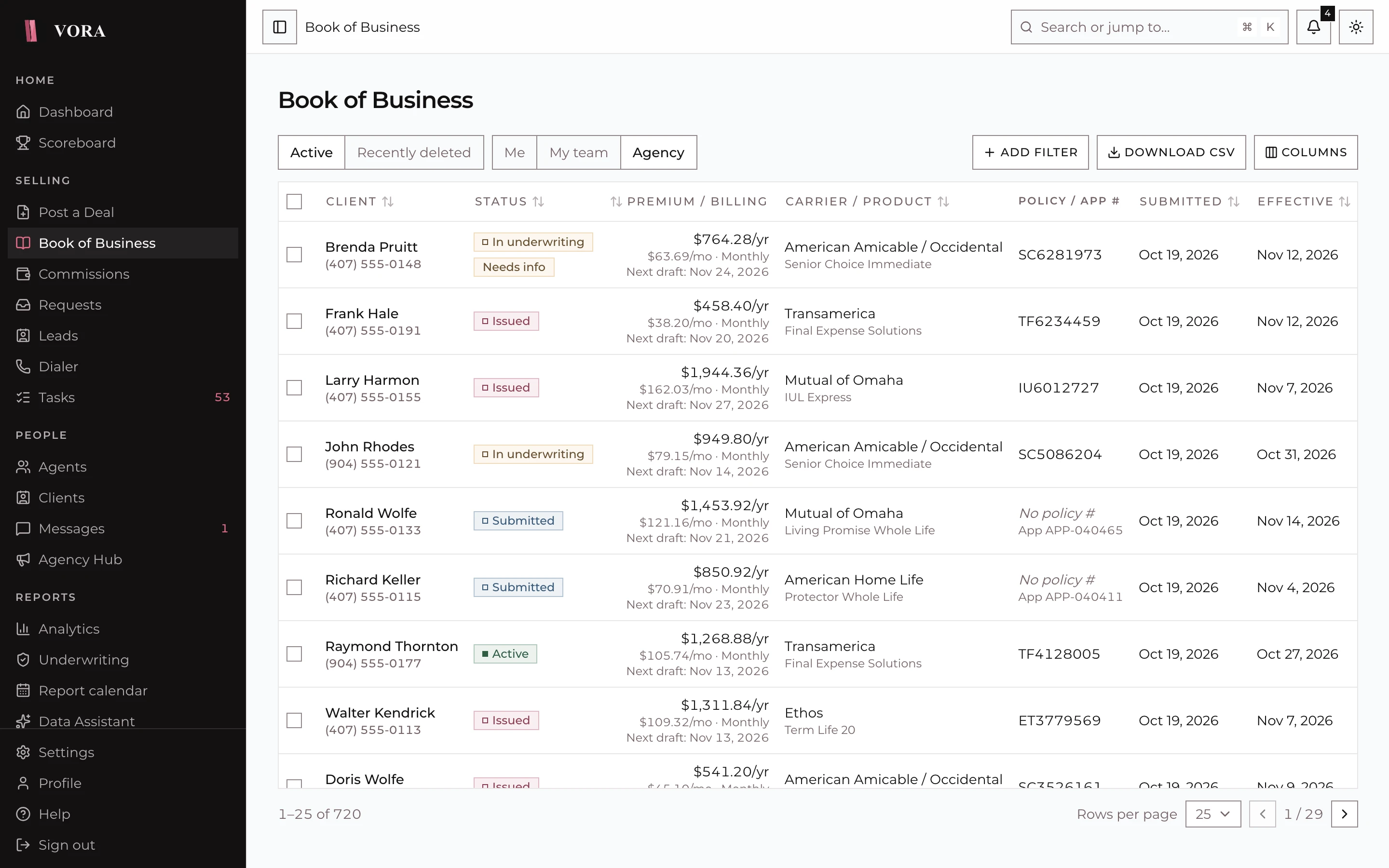
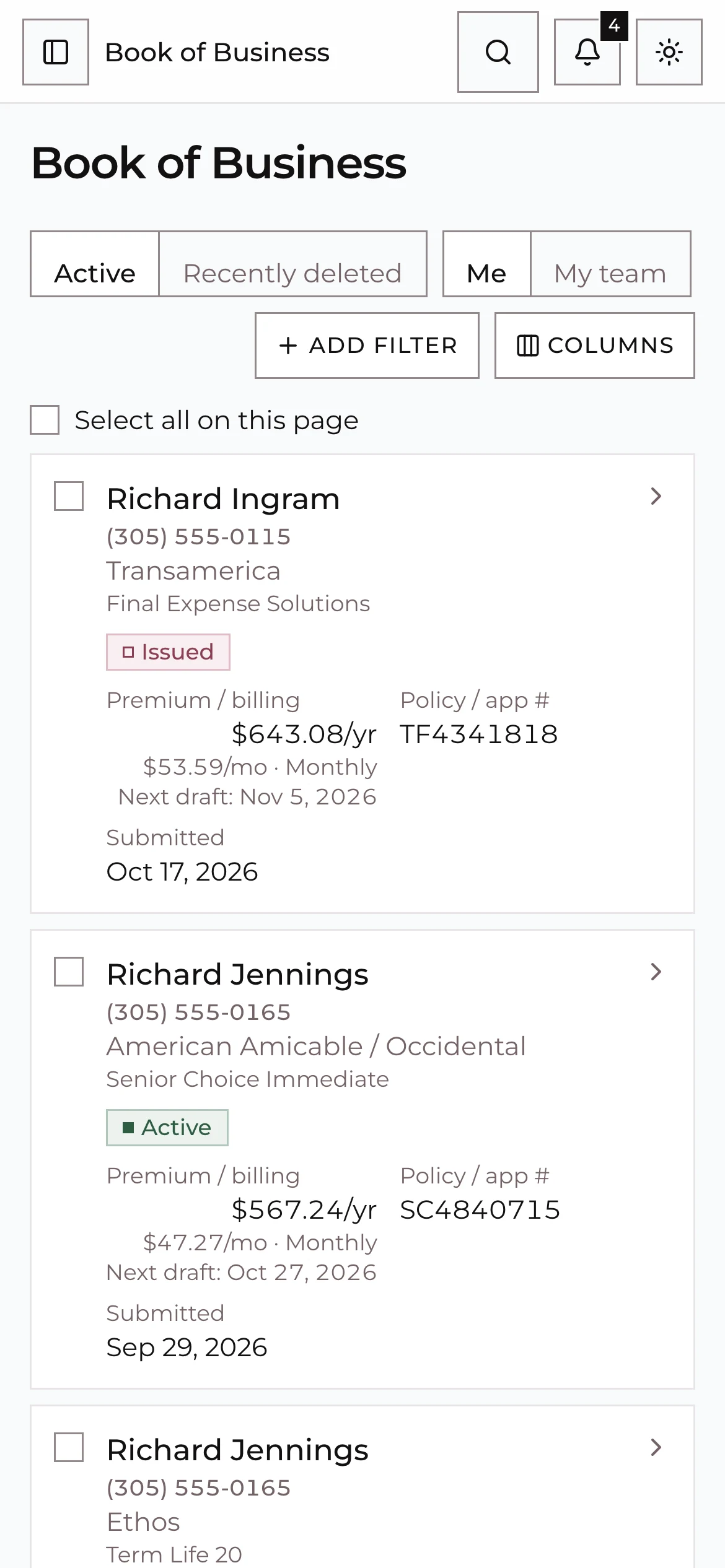
Filters, a column picker, totals and a policy sheet with every field. Bulk actions handle up to 100 policies at once, and each row succeeds or fails on its own with a retry for the ones that did not.
Three steps, each checked before the next
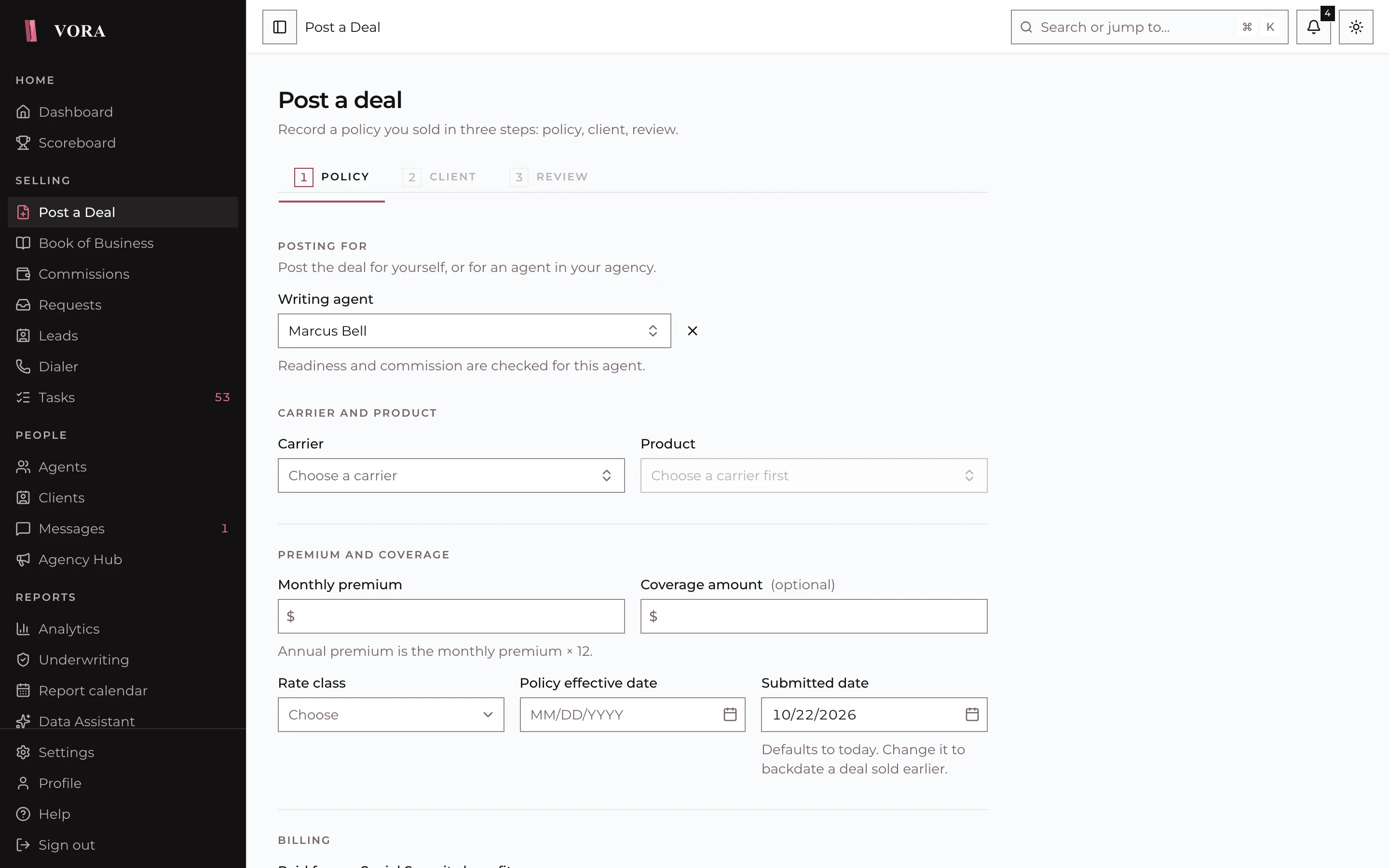
Vora will not let a deal post into a broken commission setup. If the grid or the agent's position is not configured, the form says so and points to the fix.
Record a policy once. Follow it to in force.
Post a deal from your phone in under two minutes, then watch one plain status move from submitted to in force, with the carrier's own wording a tap away.
Post a Deal
A guided form for client, policy and review. It warns about duplicate clients, records consent, takes beneficiaries with percentages and field trainer splits, and shows the commission preview before you post. Managers can post on behalf of an agent.
Also included
- Mobile-first deal entry
- Duplicate client warnings
- Beneficiaries and field trainer splits
- Bulk status changes and exports
- Status history on every policy
- Soft delete and restore
- Client hub with attention flags
For producers
Your agency already uses Vora? Join with your code tonight.
Ask your upline for the agency join code. Post your next deal from your phone and see what it pays you before you hit submit.