
4:55pm
Brenda wants to know if her policy went through. Your office closes in five minutes.
Clients sign in with a one-time code and see their policies and how to reach their agent. No passwords to forget and no commission data in sight.
The same question, answered on two clocks
Before Vora
4:55pm
Brenda calls the office to ask whether her policy went through.
5:20pm
The receptionist puts her on hold, texts the agent, and the agent is in an appointment.
Next day, 10:30am
Brenda gets a call back tomorrow. She has already called the carrier.
With Vora
4:55pm
Brenda opens My Policies on her phone and types her email.
4:55pm
A six-digit code arrives. No password to forget.
4:56pm
She sees Active, her agent's number underneath, and gets on with her evening.
Signed in without a password
Email, a six-digit code, and every policy in one list. Tap a step to jump to it.
VORA
Hi Brenda
Senior Choice Immediate
American Amicable
Active
Term Life 20
Ethos
In underwriting
Your agent
Jordan Pierce, (786) 555-0127
Your agency
Harborline Insurance Agency
(954) 555-0100
Read only. No commission data, ever.
Example client and policies.
Everything Brenda needs. Nothing she should not see.
In the portal
- Their own policies, with one plain status each
- Carrier and product for every policy
- Their agent's name and phone number
- How to reach the agency
Never in the portal
- Commission, advances or chargebacks
- Other clients and their policies
- Agent notes and call recordings
- Anything they could edit or delete
Invites on your terms
Agents and admins invite clients when they are ready. Agencies can also choose to invite clients automatically when a policy is posted.
- Jordan posts Brenda's policy
- Brenda gets her portal invite by email, right away
An agency setting. Agents and admins can always invite by hand.
Behind the portal, a clean client hub
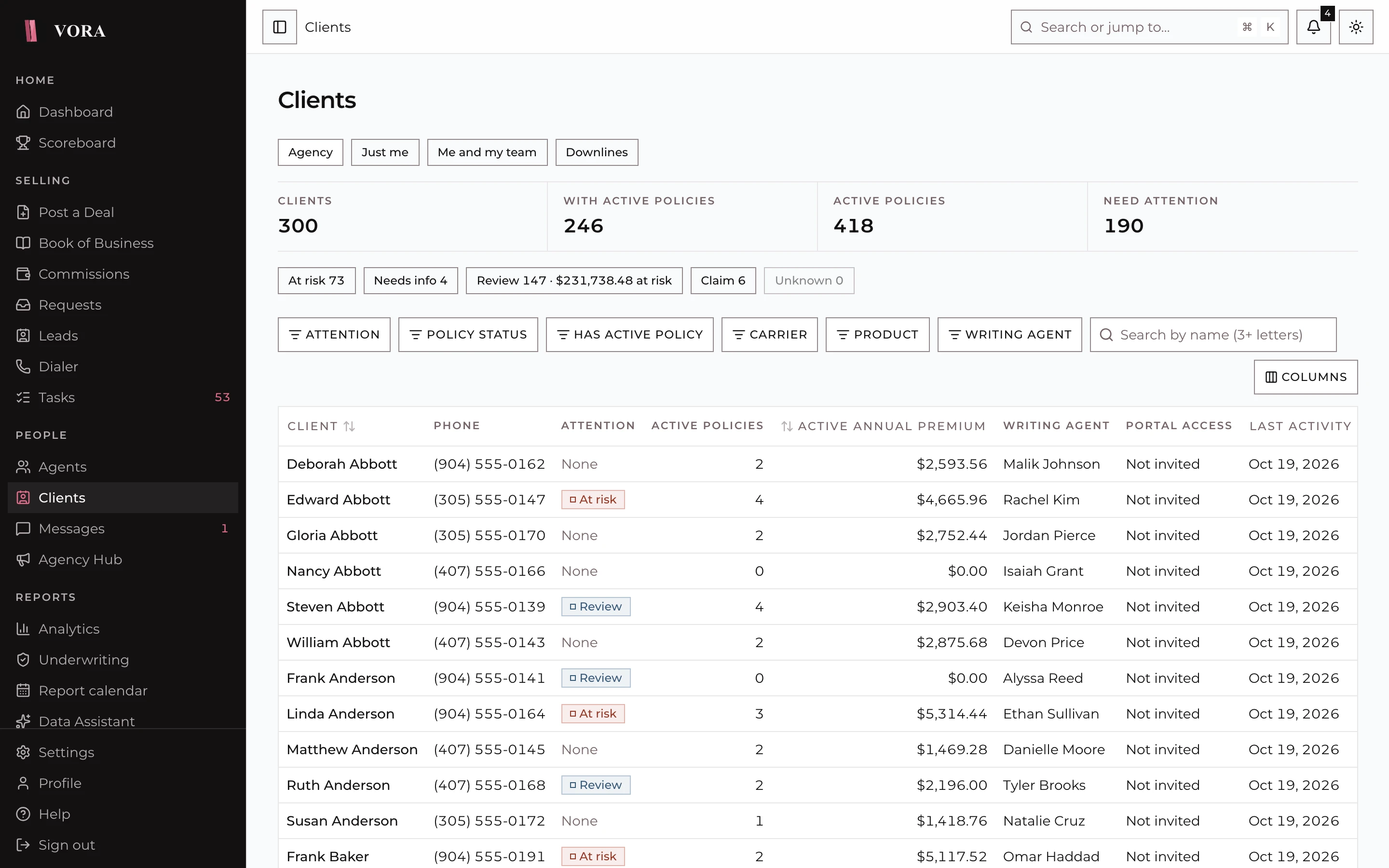
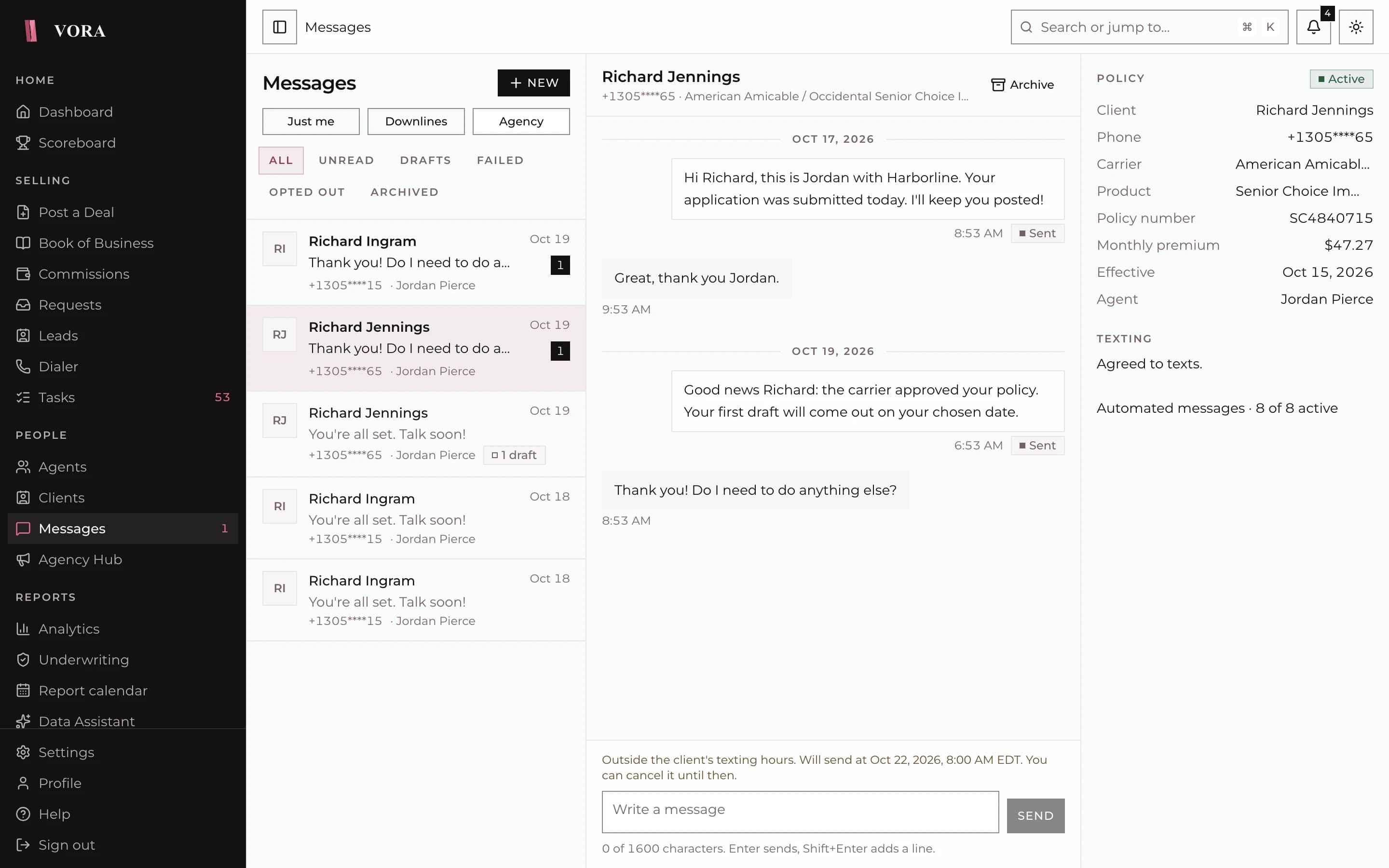
Your team works from the same record Brenda signs in to: every policy, a full timeline, consent, and likely duplicates with tools to merge them.
- Email code sign in
- Read-only policy list
- Agent and agency contact details
- Optional auto-invite on post
- Client merge for duplicates
Keep clients close
All features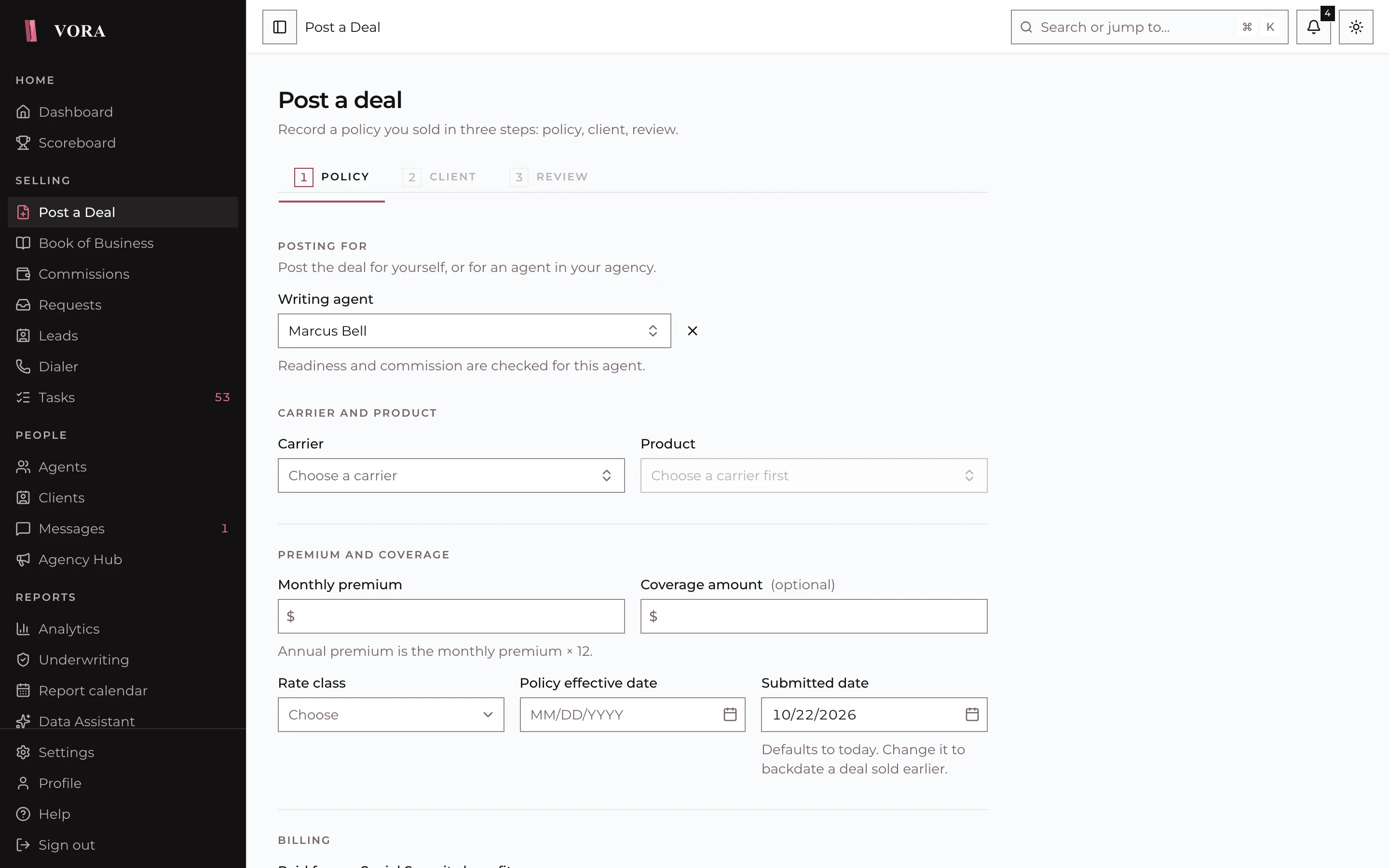
Give every client a place to check in
Turn on automatic invites when a policy is posted, or let agents invite clients when they are ready.